01
Transparent
Minimal drive, +3 dB mode, Mix at 25%. Adds subtle harmonic density without audible saturation character. For mastering and bus processing.
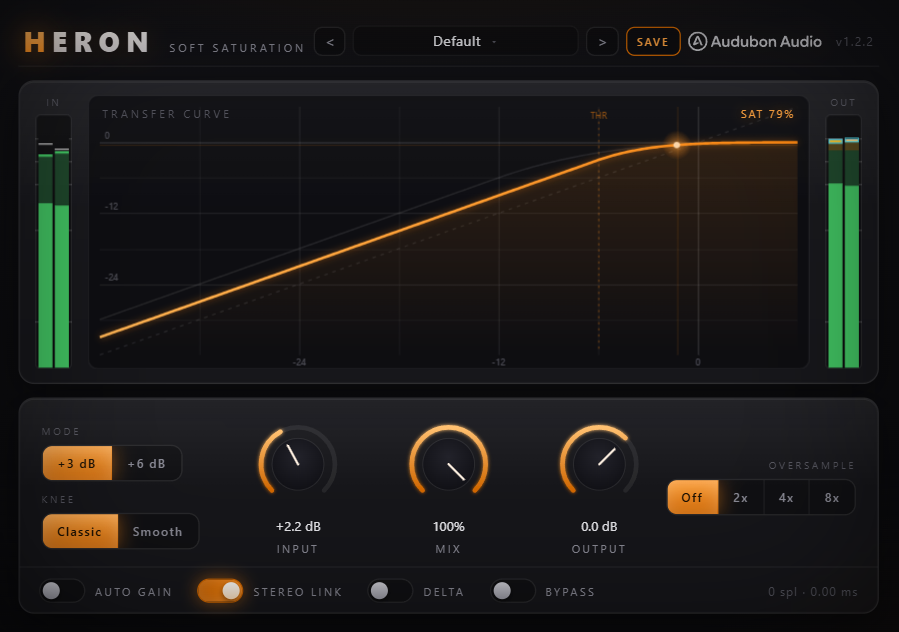
The Lavry Gold algorithm. Eight-times oversampled. A live transfer curve that shows you exactly what you're doing to your signal. Nine factory presets and a continuously smooth C¹ transfer function that never clips — it bends.
Heron is a soft saturator built around the Lavry Gold transfer function — a memoryless waveshaper with a C¹-continuous curve that transitions smoothly from linear behavior into saturation without a hard clip point anywhere in its range.
The Lavry Gold algorithm was originally documented by Dan Lavry as a reference for smooth, musical saturation behavior. Heron implements it faithfully with 8× oversampling to keep the harmonics clean, and a live display so you can see the curve while you work.
Two operating modes shift the saturation's gain structure by +3 dB or +6 dB, changing how aggressively the signal enters the saturation region for the same input level. Nine factory presets cover the most common use cases so you have a starting point for any material.
The transfer function is a smooth, continuously differentiable curve: linear at low levels, gradually compressing toward a soft asymptote at high levels. There is no threshold — the curve begins bending immediately, logarithmically, with no discontinuity.
C¹ continuity means both the curve and its first derivative are continuous everywhere — there are no kinks, inflection points, or corners in the transfer function. The result is saturation that sounds smooth even at high drive levels, because the harmonic content builds gradually rather than switching on abruptly.
Heron is a static, memoryless waveshaper — the output at any moment depends only on the input at that moment, not on previous samples. This means no inter-sample dependency, no phase rotation from the saturation itself, and predictable, consistent behavior across all frequencies.
Waveshapers generate harmonics that alias at native sample rate. Heron runs at 8× the host rate, pushing all alias products well above 20 kHz before a steep low-pass filter brings it back down. The result is clean, musical harmonic content without artifacts.
The transfer curve is drawn in real time as you adjust Drive, Mode, and Input. A moving dot tracks the current operating point on the curve, showing exactly where your signal is on the saturation function at any given moment — input on the X axis, output on the Y axis.
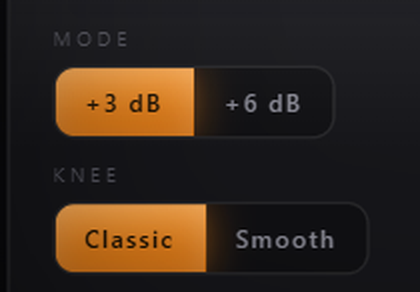
The +3 dB mode shifts the gain structure so the curve starts bending 3 dB earlier. At moderate drive levels, this is a gentle saturation — harmonic enhancement, body, and warmth without obvious saturation character. Use it on vocals, pianos, and acoustic instruments.
The +6 dB mode pushes the signal 6 dB deeper into the saturation region for the same input level. The harmonic content is denser and more present. Use it on drums, synth basses, and electric guitars where you want saturation that's audible and characterful.
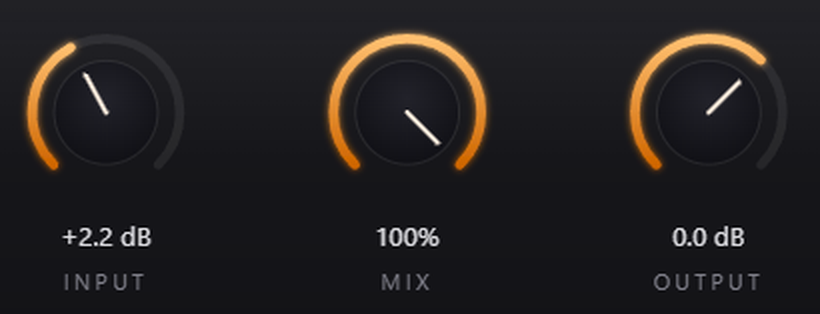
The Mix control works independently of the mode selection — blend either mode in at any level. This means +6 dB mode at 30% Mix can produce the same perceived saturation as +3 dB mode at 60% Mix, but with a different harmonic spectrum.
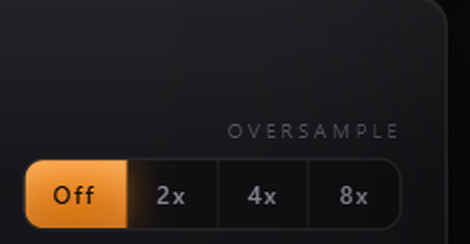
The Lavry Gold algorithm generates harmonics proportional to the input frequency. At 44.1 kHz, harmonics above 22.05 kHz fold back into the audible spectrum as inharmonic aliasing. At 8× (352.8 kHz), the fold-back products are far beyond what any filter affects in the audible range.
The oversampling filter introduces a small, fixed amount of latency. Heron reports this value accurately to the host for plugin delay compensation. On parallel processing buses, Heron stays in phase with the dry signal and other plugins on the same track.
8× oversampling is always active — there's no option to disable it. The extra CPU cost is modest on modern hardware, and keeping it always on ensures the output is always clean. The Mix control is the correct way to reduce the effect, not by disabling oversampling.
The transfer curve display shows input level on the X axis and output level on the Y axis. A perfectly linear signal would be a 45° line. Heron's curve bows below that line — the further below, the more gain reduction at that level.
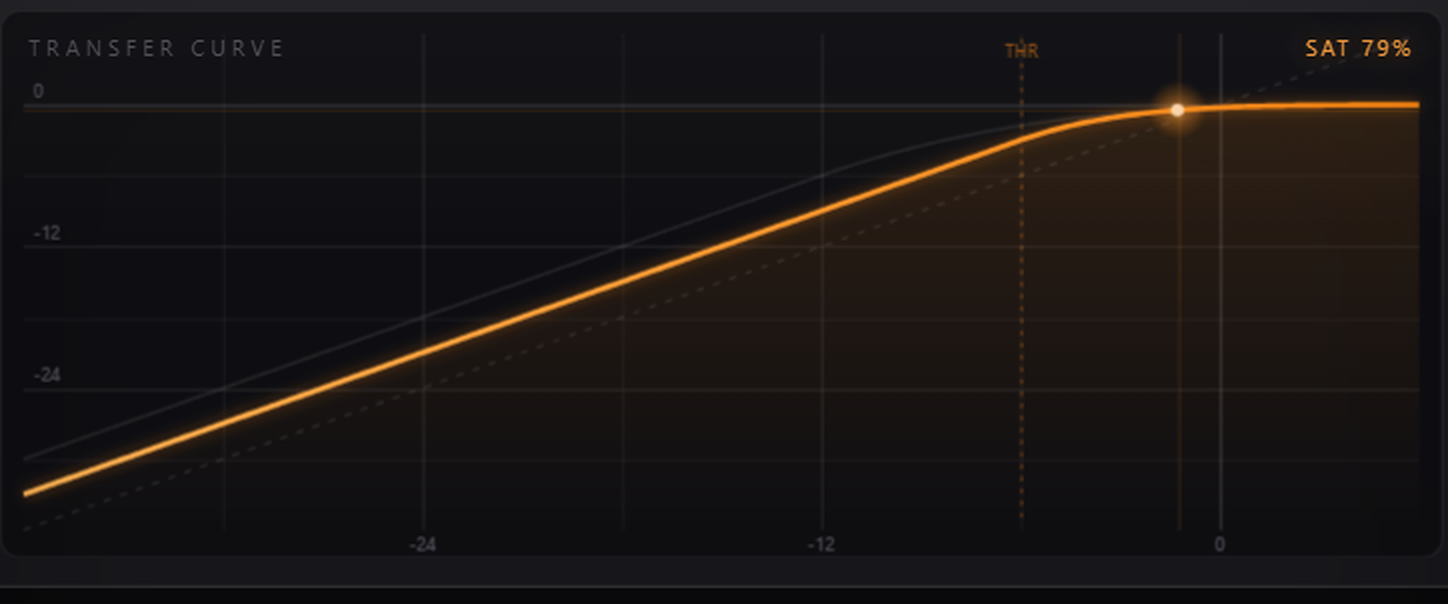
As you increase Drive, the curve bends further from the linear reference. As you switch Mode, the inflection point shifts left (more compression at lower input levels) or right (more headroom before saturation begins).
A dot moves along the curve in real time, showing the current input/output pair. When your signal peaks, the dot travels right and upward along the curve. When it's quiet, it sits near the center of the display.
The 45° diagonal is the linear reference — if the curve lay on this line, the plugin would be transparent. The gap between the curve and the reference is the saturation. More gap equals more harmonic content being added.
Nine factory presets cover the primary use cases for soft saturation — from almost-transparent enhancement through to clearly colored, driven character. Each preset sets Drive, Mode, Mix, and Input to a musically sensible starting point.
Minimal drive, +3 dB mode, Mix at 25%. Adds subtle harmonic density without audible saturation character. For mastering and bus processing.
Low drive, +3 dB mode, Mix at 40%. Gently enhances vocal presence and fullness. Works on acoustic instruments too.
Medium drive, +3 dB mode, Mix at 60%. Thickens and coheres synthesizer sounds. Useful on pad layers and stacked synths.
Medium drive, +6 dB mode, Mix at 50%. Adds presence and energy to drum buses without triggering transient artifacts.
Higher drive, +6 dB mode, Mix at 70%. Adds midrange harmonics to bass that translate on smaller speakers.
Medium drive, +6 dB mode, Mix at 55%. Enhances body and sustain on DI guitar signals or reamped tones.
Low drive, +3 dB mode, Mix at 30%. Gentle saturation on the stereo bus — adds cohesion and perceived loudness without coloring the mix.
High drive, +6 dB mode, Mix at 20%. Extreme saturation blended low for parallel processing texture on drums and percussion.
Maximum drive, +6 dB mode, Mix at 80%. Intentionally heavy saturation for aggressive sound design and lo-fi character.