M
Momentary
400 ms integration window. The fastest LUFS measurement — shows immediate loudness response to transients and dynamic events. Useful for checking individual hits and section transitions.
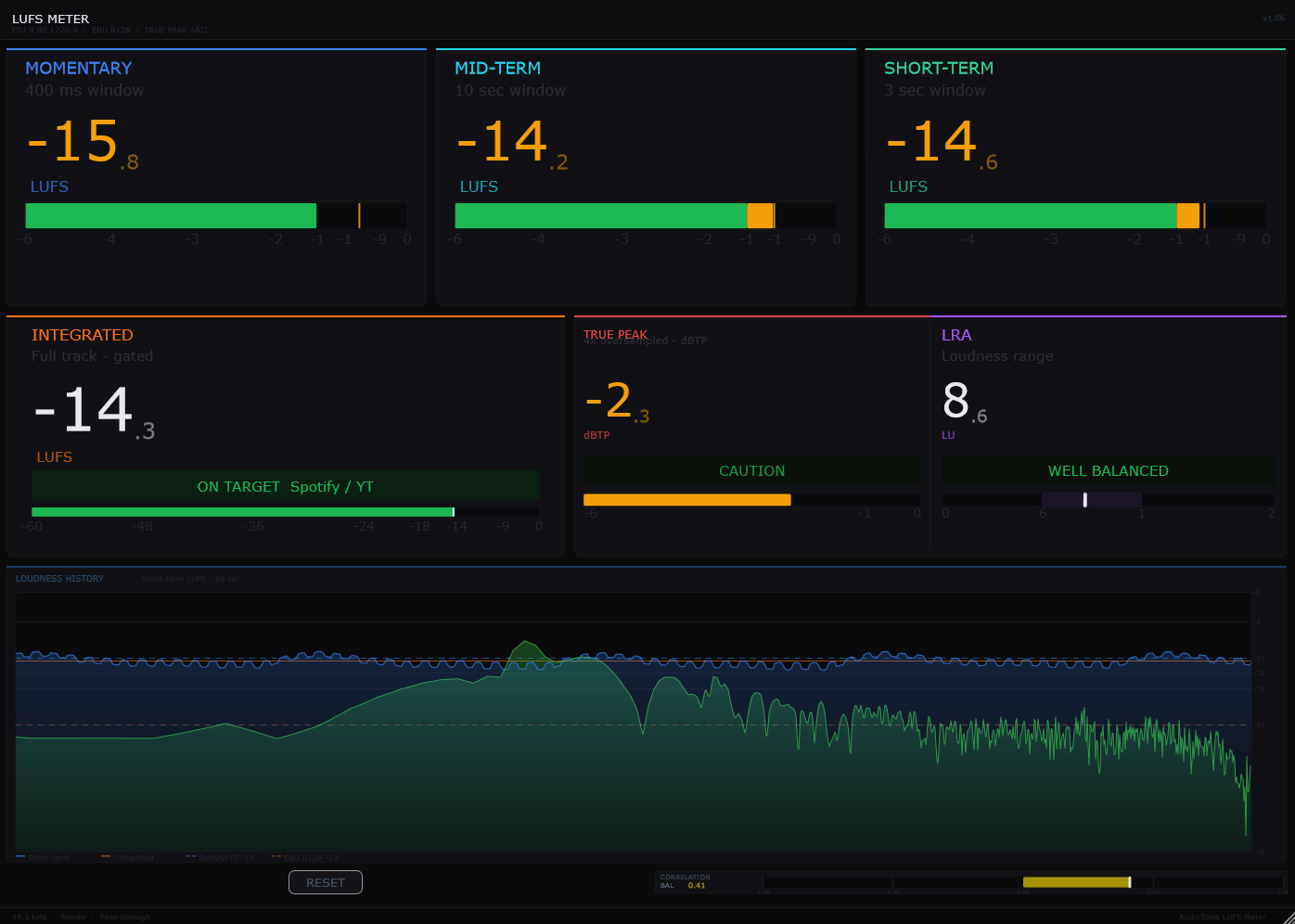
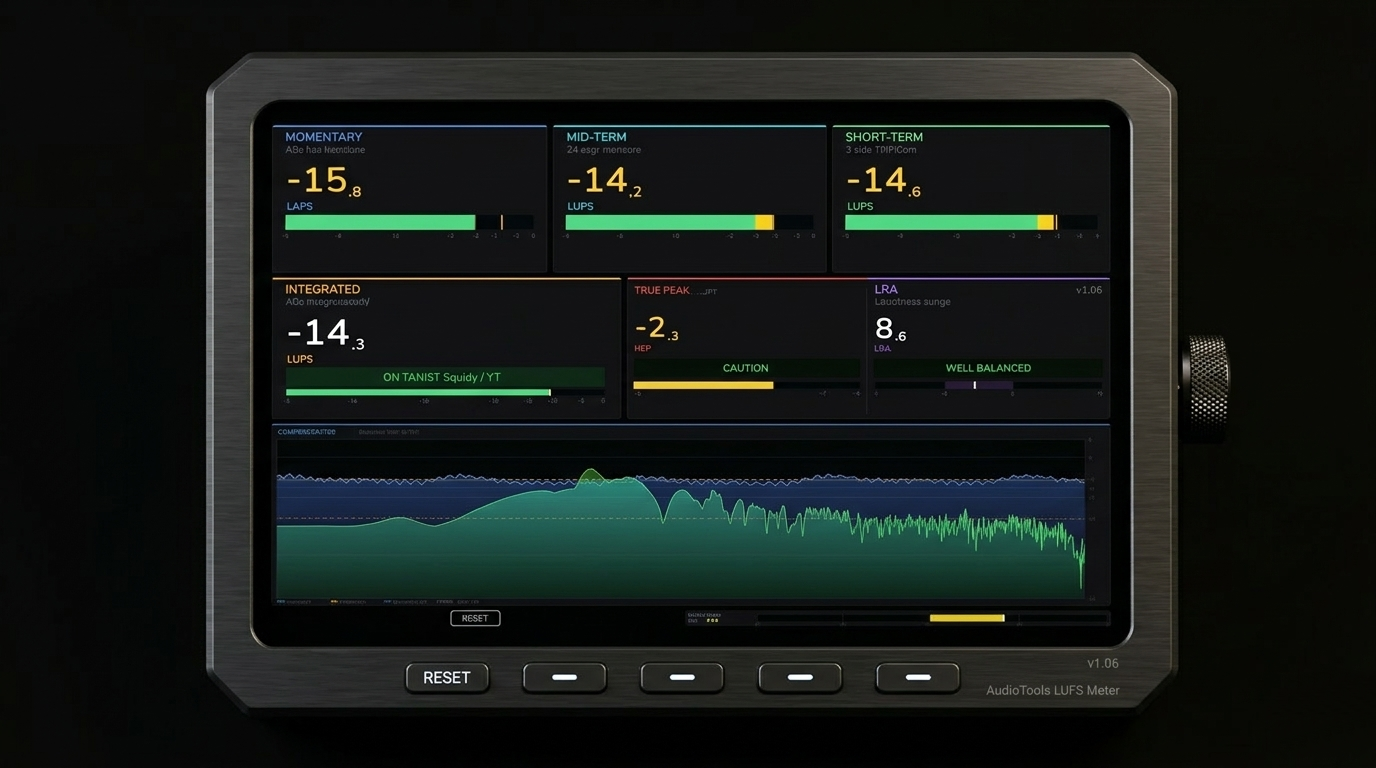
ITU-R BS.1770-4 LUFS across four time windows. A spectrum analyzer with three modes and a 4096-point FFT. True Peak at 4× oversampling. Phase correlation, loudness history, a goal line, and frozen peak. One plugin. All of it.
Hawk consolidates everything you need to measure loudness, spectral content, true peak levels, stereo phase, and mix history into a single VST3 insert. Built to the ITU-R BS.1770-4 and EBU R128 standards used by every major streaming platform.
Every streaming platform normalizes your music to a target LUFS. Hawk tells you exactly where you are across four measurement windows simultaneously — so you mix and master to the right number from the start, not after the fact.
Beyond loudness, Hawk's spectrum analyzer gives you a real-time frequency view of your mix in three modes, while the phase correlation meter, loudness history graph, goal line, and frozen peak readout fill in the rest of the picture. It's the only meter you need on your master bus.
All of Hawk's meters run simultaneously from the same audio stream. No mode switching, no per-module CPU cost spikes — the full suite is always active from the moment the plugin is inserted.
Momentary (400 ms), Short-Term (3 s), Mid-Term (custom window), and Integrated (full program) LUFS run in parallel — all computed per the K-weighted filter chain defined in ITU-R BS.1770-4. All four values are visible at once, no switching required.
A 4096-point FFT drives three display modes: Classic (instantaneous spectrum), Average (time-averaged spectrum), and Peak Hold (peak-captured spectrum). Switch modes without restarting — the display updates immediately.
True Peak uses 4× oversampling to detect inter-sample peaks — peaks that occur between sample points and would clip after D/A conversion, even if the sample values themselves are below 0 dBFS. Reported in dBTP per ITU-R BS.1770-4.
The phase correlation meter shows the relationship between left and right channels in real time — +1 is perfectly correlated (mono), 0 is uncorrelated, −1 is anti-phase (mono-cancelling). Essential for checking mix compatibility before submission.
Each LUFS window serves a different purpose in the loudness analysis workflow. Hawk displays all four simultaneously so you can see how your mix behaves across every time scale at once.
400 ms integration window. The fastest LUFS measurement — shows immediate loudness response to transients and dynamic events. Useful for checking individual hits and section transitions.
3-second integration window. Standard for segment comparison — shows the loudness of a phrase, bar, or section. The value most useful for real-time monitoring while mixing.
Custom-length integration window between Short-Term and Integrated. Set it to a full verse or chorus length for section-level loudness comparison — bridges the gap between moment and program.
Full-program integrated loudness from playback start, gated per BS.1770-4. The number Spotify, Apple Music, YouTube, and all other platforms use to normalize your track. Hit this target and you sound correct on every platform.
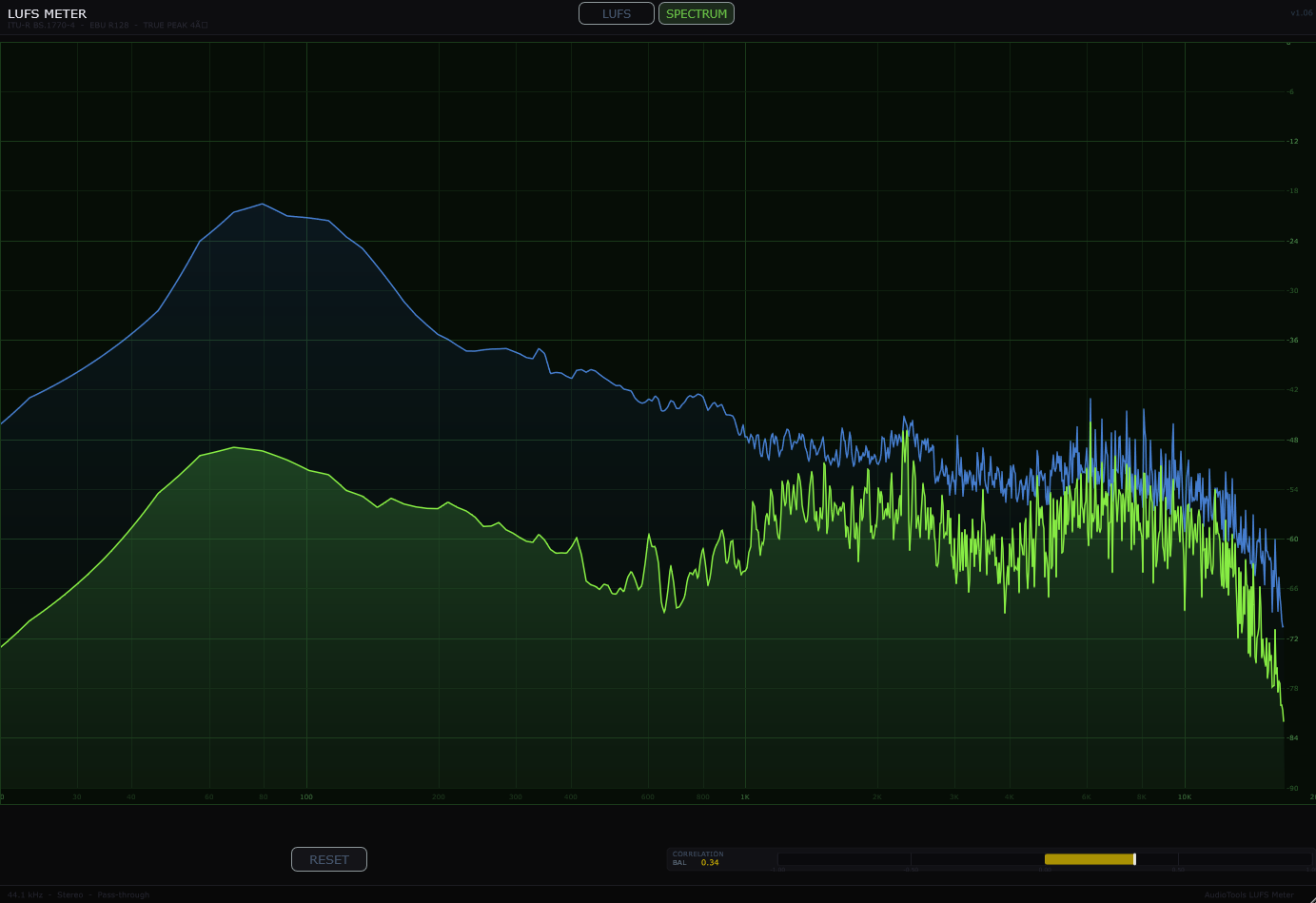
An 8192-point FFT plotted on a log frequency axis with peak hold, Stereo or Mid/Side view, a draggable goal line, and a hover readout showing frequency, level, and musical note (± cents). Fast response for spotting resonances and transient content as they happen.
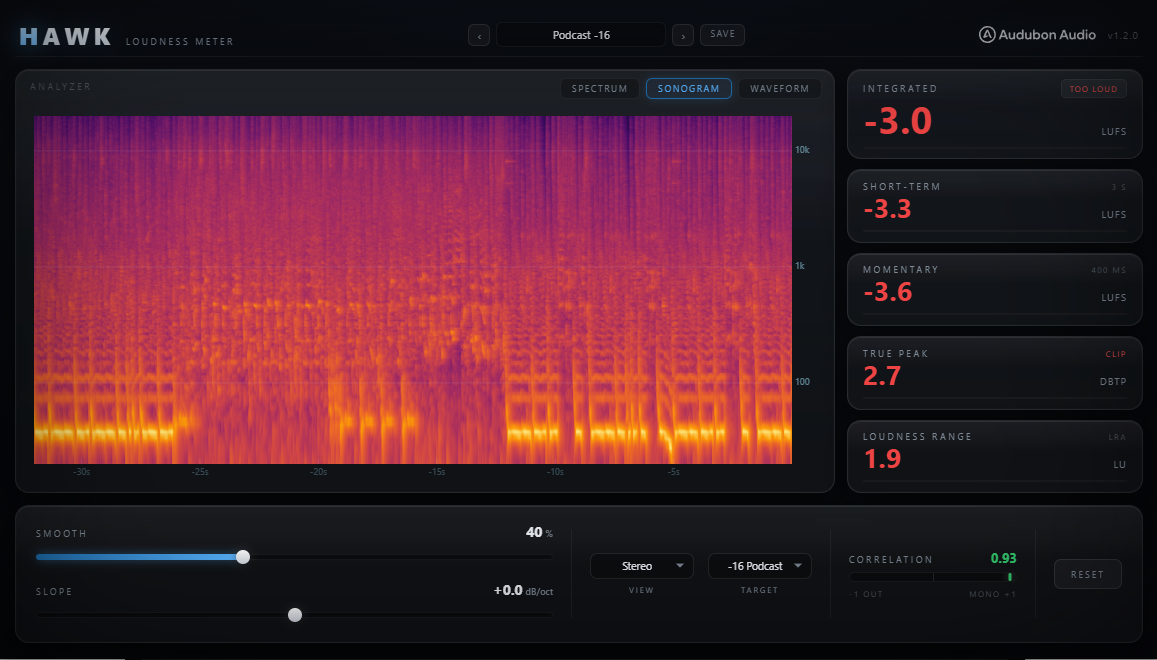
The same log-frequency data rendered as a scrolling, color-coded spectrogram (~30 seconds of history) — built to reveal how the spectral balance evolves over time instead of just an instant. The Slope tilt control applies here too.
A CDJ-style 3-band scrolling waveform — low, mid, and high drawn as overlaid mirrored envelopes at absolute (never normalized) height, so a well-balanced master converges toward the same blue-body / amber-bed / white-spine look you'd see on a club rig, and a lopsided mix stands out immediately.
Sample values never exceed 0 dBFS, but the waveform between samples can. Hawk upsamples the audio by 4× and measures the resulting continuous waveform — the True Peak value catches these inter-sample peaks and reports them in dBTP. The standard ceiling for streaming delivery is −1 dBTP.
The Frozen Peak readout captures and holds the highest True Peak value seen since playback started. Play through a full mix once and the readout tells you the absolute worst-case True Peak of your program — no need to watch it constantly during playback.
A value near +1 means your mix will sound correct and loud in mono. A value near 0 or below means mono compatibility issues — elements may cancel or thin out when the stereo field collapses. Monitor correlation throughout the mix, not just at the end.
The loudness history graph plots Short-Term LUFS over time — scrolling left as the session progresses. Set a Goal Line and the graph shows you visually how your mix compares to the target across the full program.
Short-Term LUFS is plotted over time as you play through your mix. Loud sections appear high on the graph; quiet sections dip below. Play from the top and the full loudness arc of your arrangement becomes visible at once.
Set the Goal Line to your streaming target — −14 LUFS for Spotify, −16 LUFS for Apple Music, −13 LUFS for YouTube. The horizontal line on the history graph shows you how your mix tracks against the target in real time.
The Integrated LUFS readout compares against the Goal Line value numerically — showing you how many dB away you are from the target at any point. When playback is complete, this difference tells you exactly how much to adjust your output limiter.
Reset all measurements — Integrated LUFS, Frozen Peak, and the history graph — with one click. Use it at the start of each full playback so all measurements reflect the current pass from start to finish.